
2.7 Exporting Your Script
Export scripts to XLSX, PPTX, DOCX, or QLab import pack format and understand Free trial-export limits.
Who can export
- Free: trial exports are limited to the first 30 saved cues.
- Lite, Pro, and Pro+: full-script exports are available.
- Export is an owner or manager action.
Open the export dialog
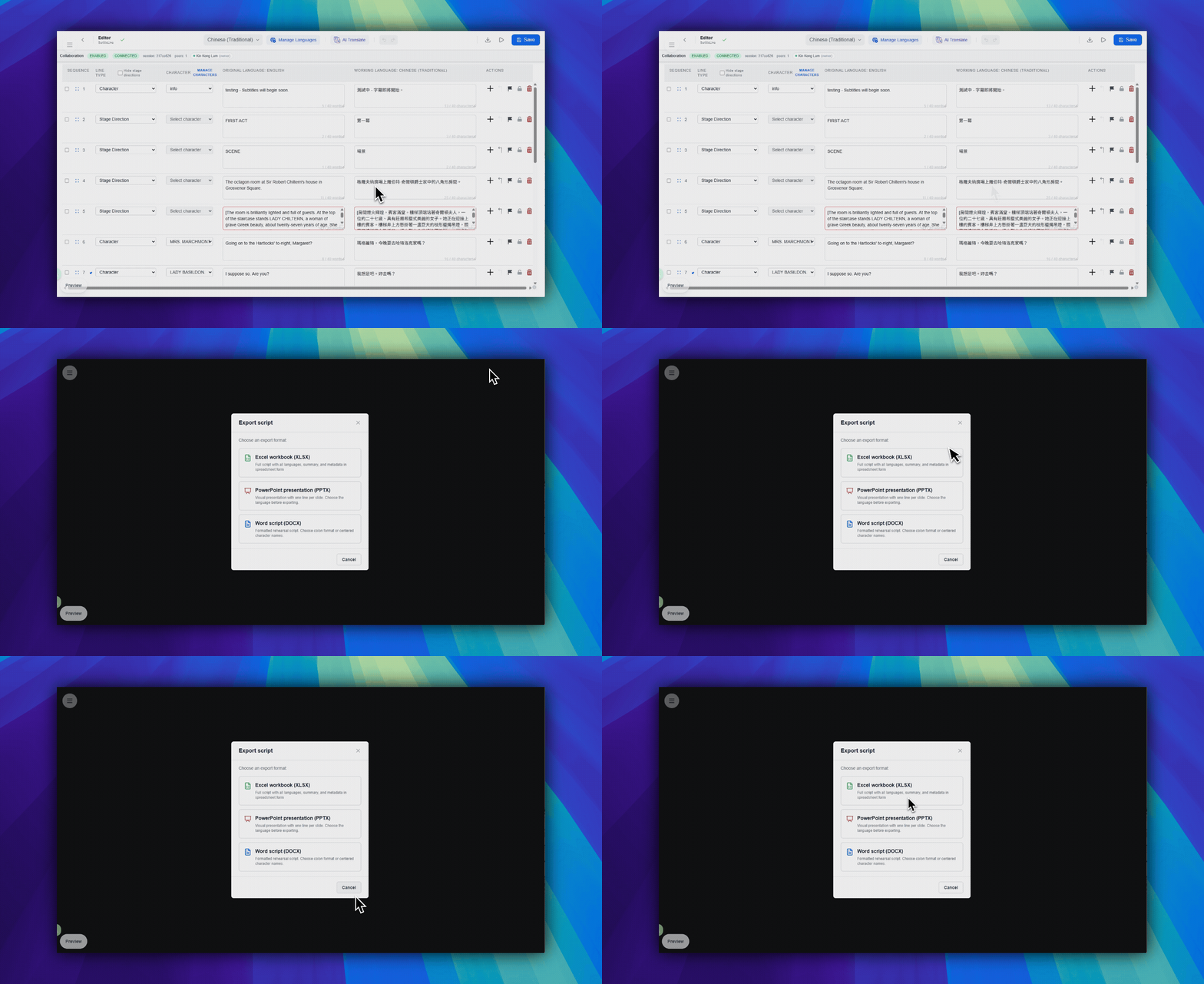
- In the top-right toolbar area, click
Download file. This button uses a download-arrow icon. - Choose
XLSX,PPTX,DOCX, orQLab import pack. - Confirm the export in the service-consumption dialog.
Know the format difference
- XLSX: exports the workbook with summary data, line data, and all languages.
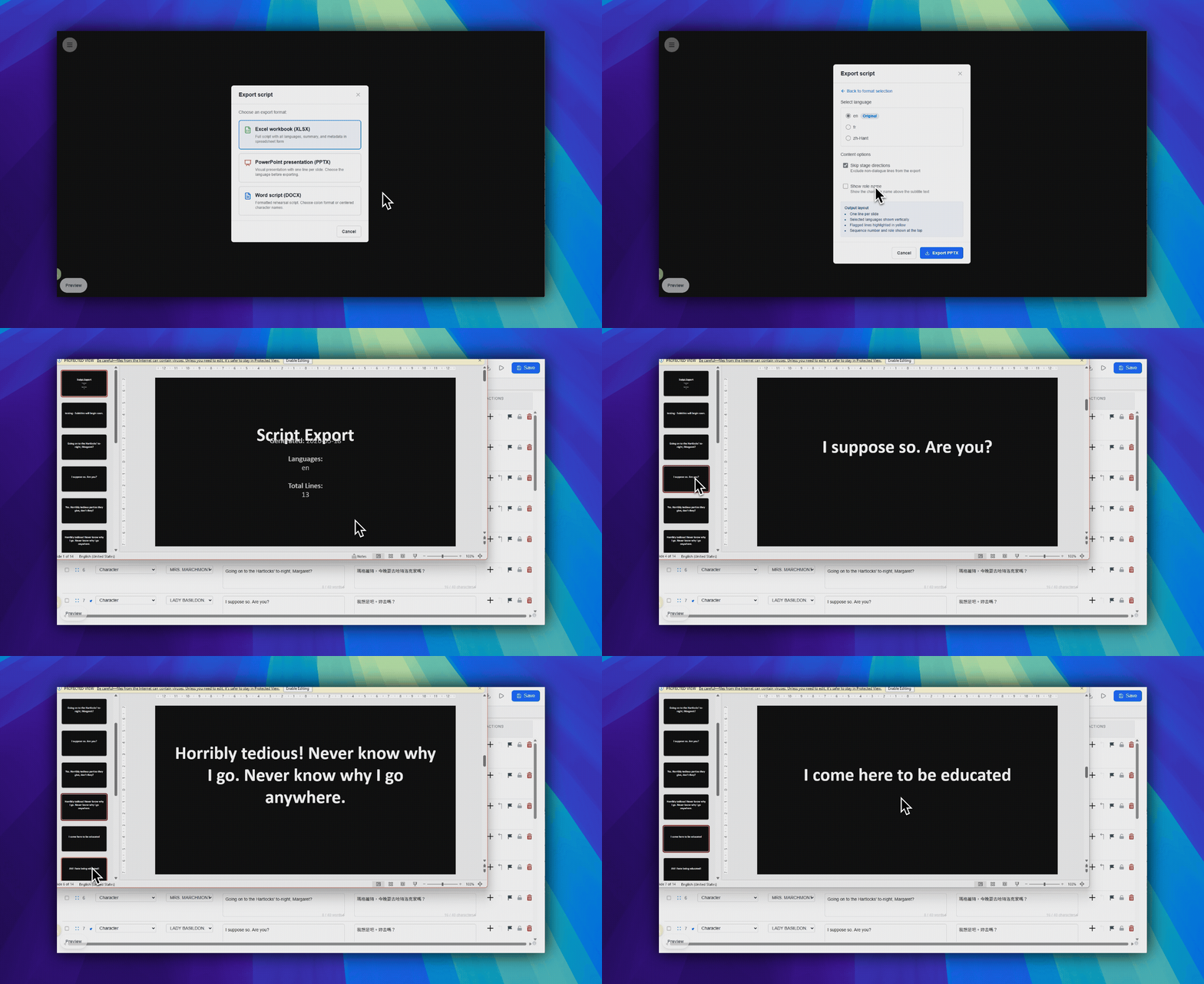
- PPTX: exports one selected language and lets you choose whether to skip stage directions and show role names.
- DOCX: exports a Word-compatible script document for review, sharing, or archiving.
- QLab import pack: exports a QLab 5 import package for offline QLab Text cues.
Use export as backup
Keep the Pockitle Cue XLSX workbook if you may need to use Restore from Excel (Test); it includes all project languages and is the format that Restore accepts. Restore imports supported workbook content, so review its preview before confirming. PPTX, DOCX, and QLab import packs are handoff formats, not Restore inputs.
FAQ
Common questions for this workflow, based on the current Pockitle Cue system.
Why is export disabled for my account?+
Export can be disabled when you do not have owner or manager access. Free accounts can test export on the first 30 saved cues; Lite, Pro, and Pro+ can export the full script.
Which export format should I choose?+
Use XLSX for workbook review; only Pockitle Cue-generated backup XLSX files can be tested for restore through Restore from Excel (Test) on the Project Upload page. Use PPTX for presentation handoff, DOCX for a Word-compatible script, and the QLab import pack for offline QLab Text cues. General XLSX and PPTX imports are not supported.
Deployment Workflow
Continue In This Workflow
Script preparation, translation workflow, live deployment, operator control, and runtime troubleshooting.
2.8 Exporting a QLab Import Pack
Download a projection-only QLab 5 import pack from the Editor and import Pockitle Cue subtitle Text cues into an offline QLab workspace.
2.9 Backing Up Your Project
Create local backups with exports and understand what Pockitle Cue already saves automatically.
2.10 Restoring Your Project
Restore from original DOCX files or Pockitle Cue-generated XLSX backups through Excel Restore (Test); general XLSX/PPTX import is not supported.