
Should mobile surtitles replace projection?
Not automatically. Projection may still be the clearest shared-room option. Mobile viewing is useful when the audience needs language choice, personal access, or a supplement to difficult sightlines.
Projection and mobile surtitles
Projection and mobile viewing solve different audience problems. Projection creates a shared room experience; mobile viewing can support language choice, difficult sightlines, and a personal reading position. Audience agency comes from choosing deliberately: some productions need one, some need both, and some need a non-phone fallback.
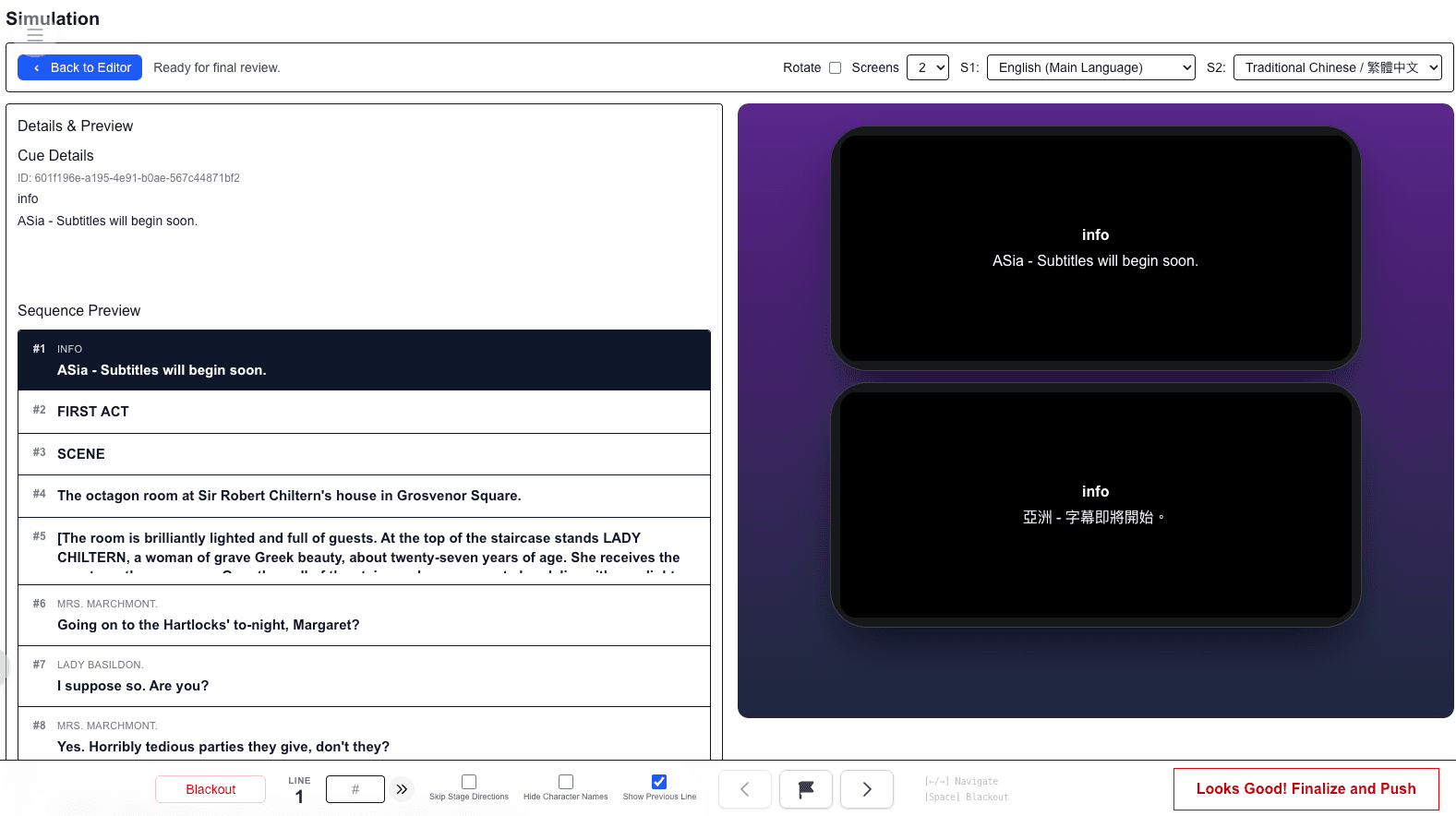
Delivery model
Projection surtitles and mobile audience subtitles serve different jobs. Projection is visible to the room; mobile delivery is personal and supports language choice. Plan both around audience needs, sightlines, and front-of-house support.
SurtitleLive delivery workflow
Related planning
Compare shared-room projection and personal-device viewing by venue and audience need.
Choose whether mobile, projection, or a combined model fits the production.
Align the team on what the audience will see and where it will appear.
Not automatically. Projection may still be the clearest shared-room option. Mobile viewing is useful when the audience needs language choice, personal access, or a supplement to difficult sightlines.
Yes. SurtitleLive is designed so projection and audience mobile viewers can follow one live operator state instead of separate cue lists.
Test projection readability, QR-code entry, mobile language selection, network assumptions, brightness guidance, and the operator's ability to keep the show moving under rehearsal conditions.