AI-Assisted Subtitle WorkflowFrom Script Structure
to Live Subtitles.
Help analyze scripts, split dialogue into cues, draft translations, review subtitle line layout, and prepare deployment for projection plus audience phones from a browser-based Operator Cockpit.Try the live simulator below to see AI preparation meet live control.
* Interactive demo: press the next cue control to advance cues. Observe the Audience View update with low latency.
SurtitleLive product videos
An AI Pipeline, From Raw Script to Show Night
SurtitleLive helps turn uploaded scripts into structured cues, translation drafts, readable subtitle layout, and deployment-ready live outputs.
Analyze & Split
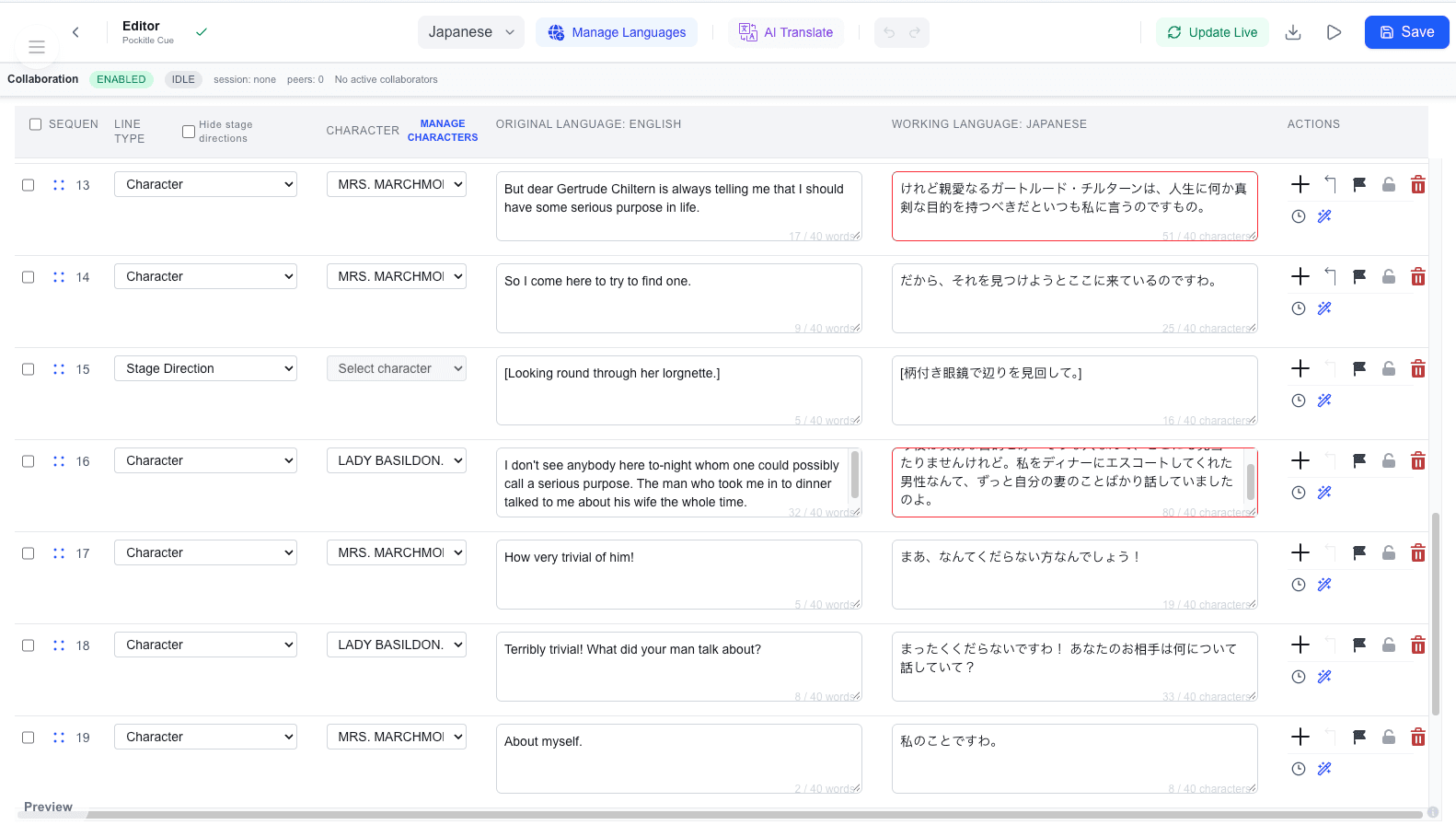
Upload a Word doc. SurtitleLive helps identify roles, dialogue, stage directions, and cue boundaries so the script becomes editable subtitle structure.
Translate & Format
Generate translation drafts across 100+ supported languages, then review tone, wording, and line layout before rehearsal or showtime.
Deploy & Operate
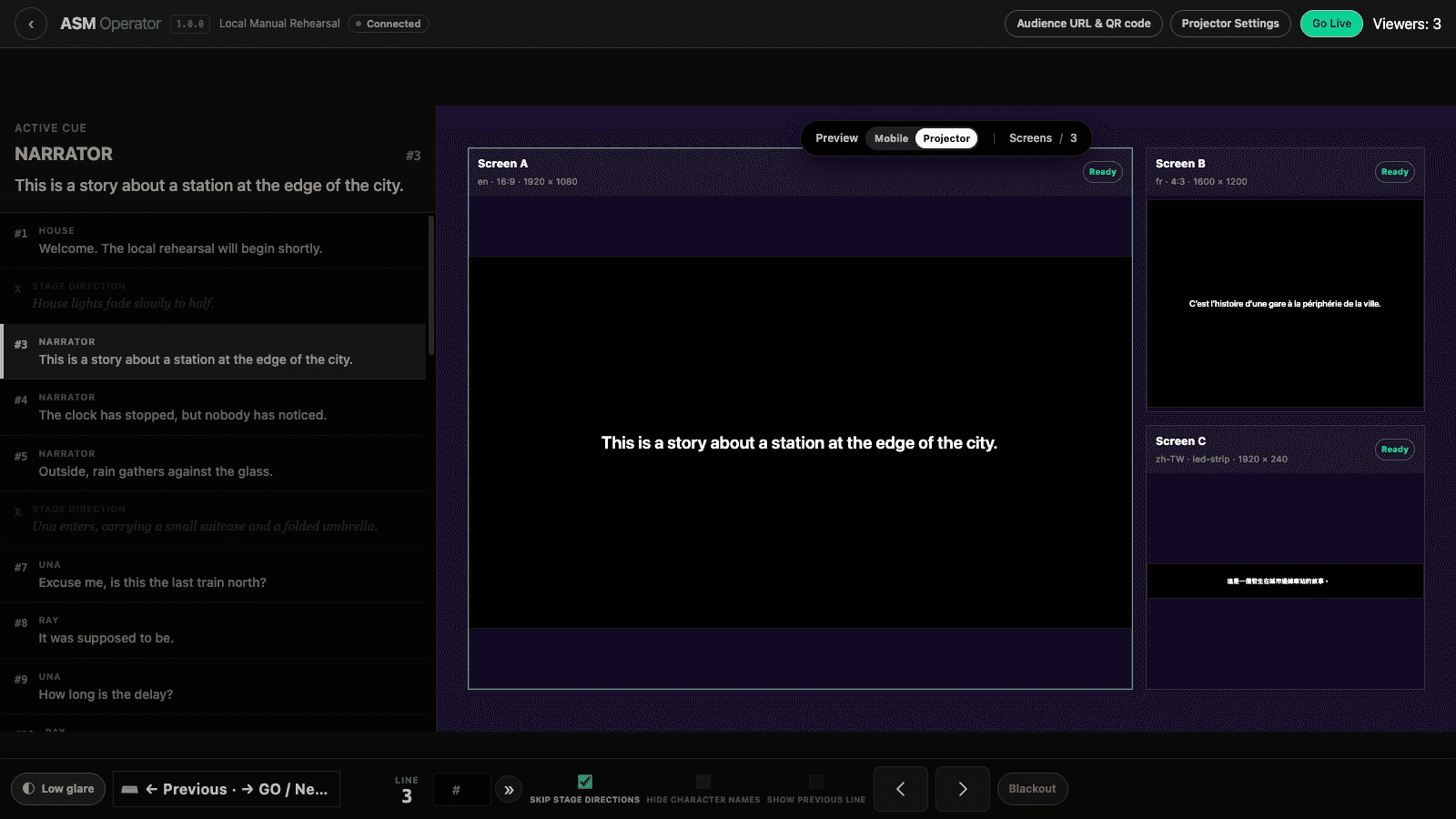
Prepare projection and audience-phone outputs, then cue the approved subtitles from the same Operator Cockpit.
Script Structure Analysis: Assist Script Splitting
Reduce manual cleanup after a Word-script upload. SurtitleLive helps separate speakers, dialogue, stage directions, and cue boundaries so the team starts from structured subtitle data instead of a raw document.
- AI-assisted role and character detection
- Dialogue and stage-direction separation for review
- Cue-ready structure for review
- Editable layout after script changes

AI Translation Drafts and Subtitle Formatting
AI creates translation drafts from structured script context and helps shape subtitle lines for readability. Your team still reviews wording, tone, line breaks, and timing before performance.
- 100+ supported translation languages
- Optional style prompt for translation drafts
- Line-by-line layout and tone review
- Regenerate drafts when scripts change

Auto Deployment, Human Live Control
Approved subtitles can be packaged for projection and audience-phone outputs before the show. During performance, the Operator Cockpit keeps cueing explicit, recoverable, and under human control.
Create an account to try the full CockpitKeyboard-First Cockpit
Cue navigation and blackout controls support live operation without relying only on a mouse.
Jump Recovery
Actors skipped a chunk? Jump directly to another line by ID or search text.
Low-Latency Updates
Designed for low-latency cue updates from the Operator Cockpit to projection and audience viewers.
Projection + Mobile Deployment
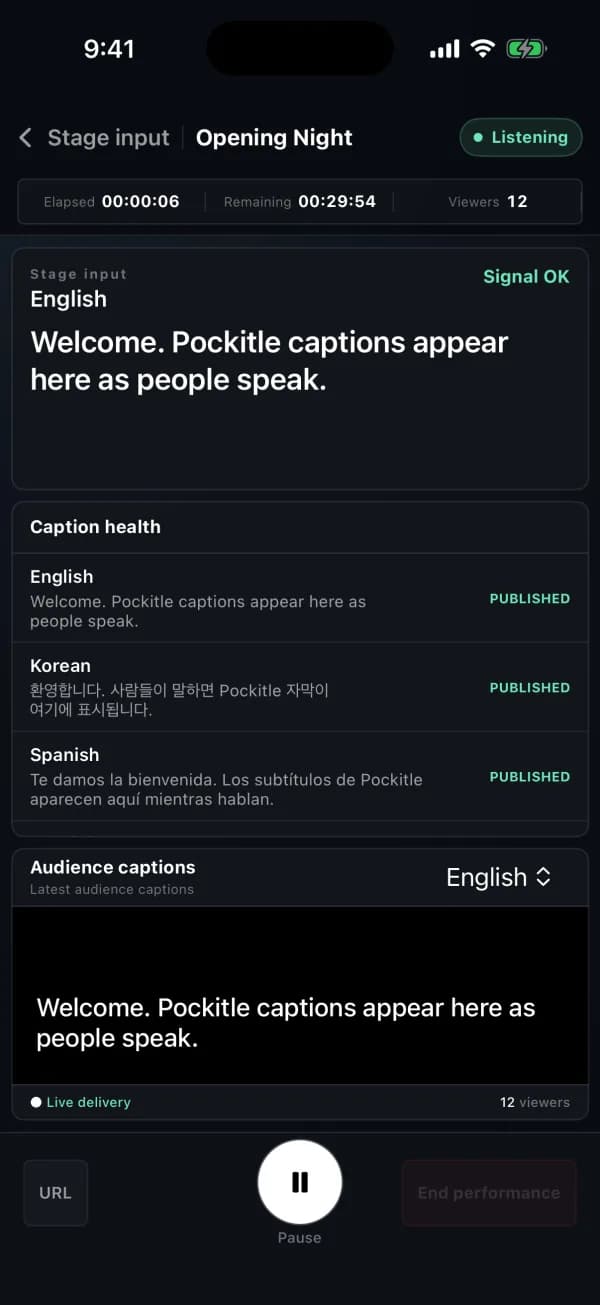
Use Projection Mode for LED screens or projectors while audience members follow enabled languages on their phones.
Built as an AI-Assisted Production Platform
One workspace covers script analysis, translation drafts, layout review, live deployment, and audience access for a single show, festival, or season.
Structured Collaboration
Invite translators, directors, and operators into the same AI-prepared script structure with role-based review permissions.
No-App Audience Access
Audience members scan a QR code. Keep deployments live for 7 to 14 days.
Deployment Automation
Lite deployments use system-selected US Central placement. Pro deployments can choose US Central, EU West, or Asia Northeast.
Multi-Language Deployment
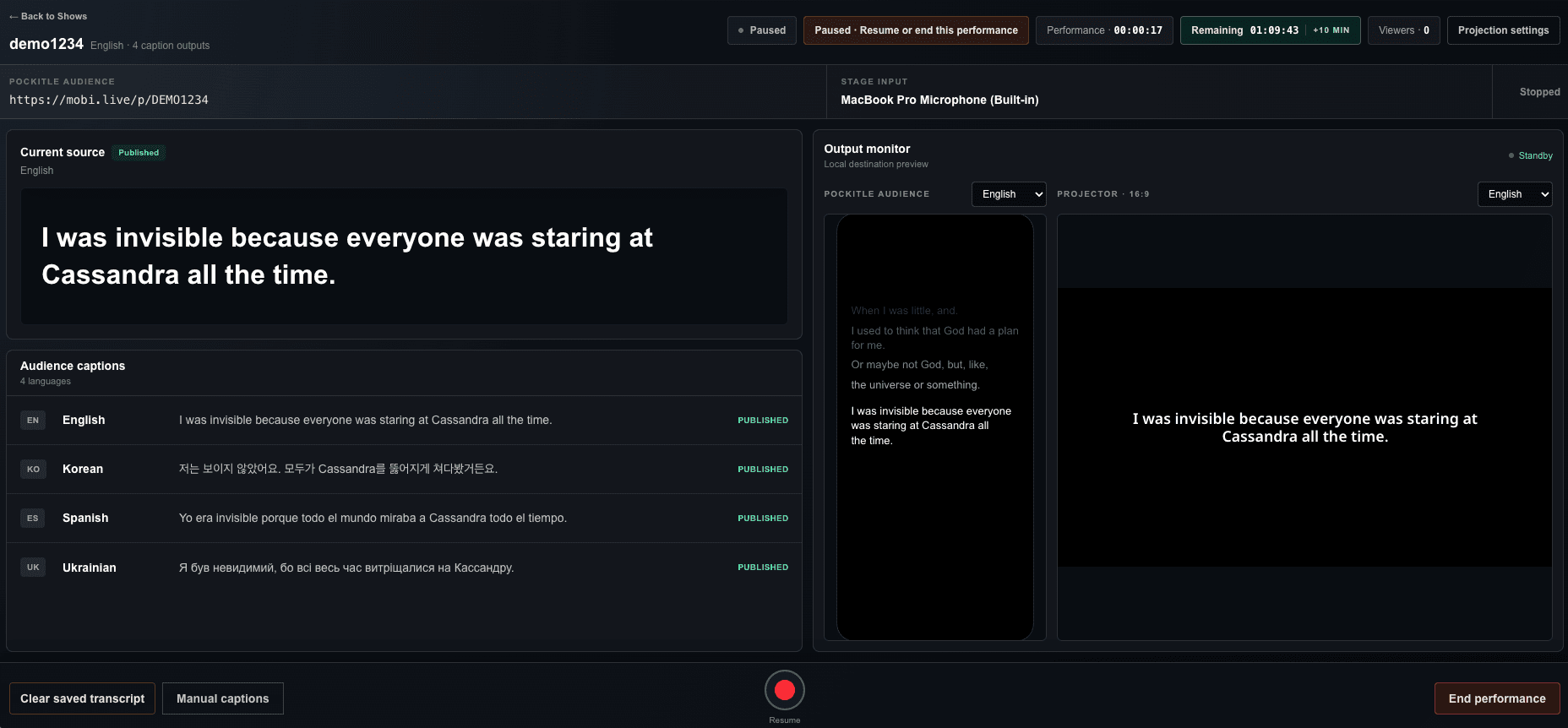
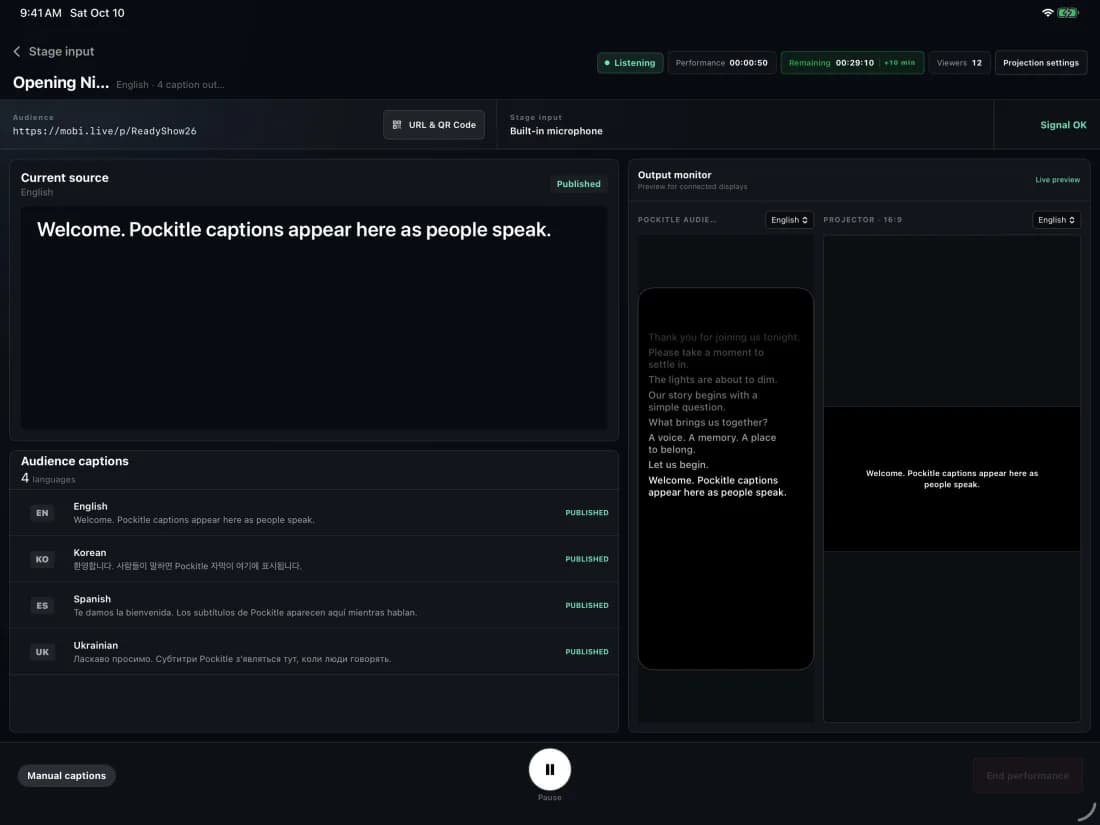
Deploy your source script plus plan-limited translated languages so each audience member can choose an enabled viewer language.
Multi-Project Workspace
Validate workflows with a single project or manage multiple active productions from one workspace.
High-Volume AI Processing
Use weekly AI credits for script analysis, translation drafts, and review workflows.
Core AI subtitle workflows
Script decomposition and automated deployment are the two workflows this English-only AI variant foregrounds.
Core AI subtitle workflows
Script decomposition and automated deployment are the two workflows this English-only AI variant foregrounds.
- Projection + mobile deployment
Package room-visible projection and audience-phone subtitles from one reviewed subtitle workflow.
- Operator Cockpit for live control
Run cue navigation, jump recovery, blackout, and aligned audience outputs after AI preparation is complete.
Common Questions about the AI Version
What does the AI actually automate?
The AI layer helps analyze script structure, split dialogue into subtitle cues, draft translations, and guide readable subtitle layout. Final wording and show-time cueing stay reviewable by the production team.
Does automatic deployment mean the show runs without an operator?
No. Deployment automation prepares approved subtitle outputs and runtime links before the show. During performance, the Operator Cockpit keeps live cue control explicit and human-operated.
Can the same workflow support projection and audience phones?
Yes. The approved subtitle set can be delivered to projection outputs and to audience phones through browser-based viewer links, with enabled languages controlled by the plan.