
2编辑器与翻译
2.7 导出剧本
将剧本导出为 Excel、PowerPoint、Word 或 QLab 导入包,并了解 Free 的试用导出限制。
谁可以导出
- Free:试用导出仅限前 30 个已保存的 cue。
- Lite、Pro 和 Pro+:可导出完整剧本。
- 只有所有者或管理员可以执行导出。
打开导出对话框
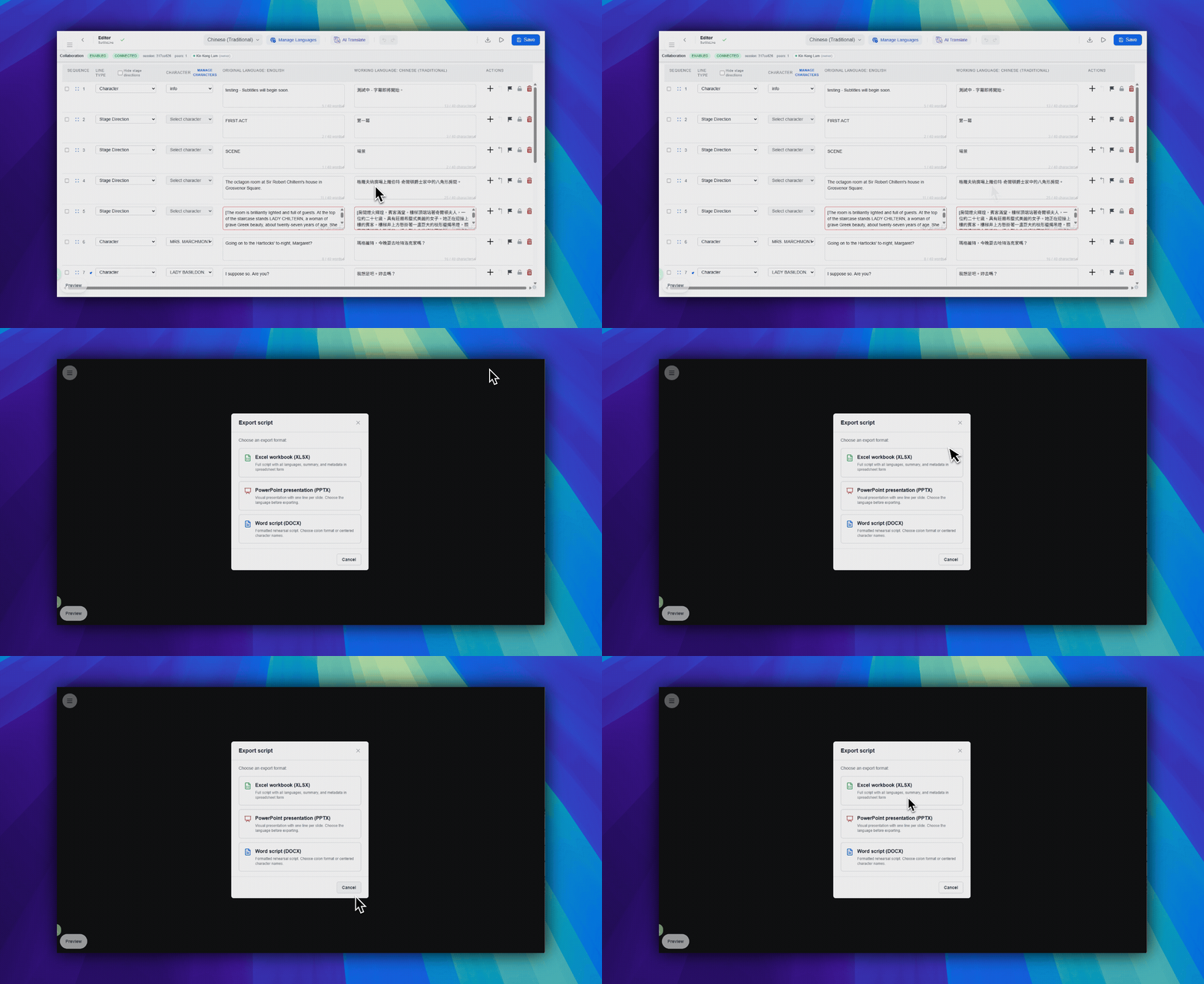
- 在右上角工具栏区域,点击
下载文件。此按钮使用下载箭头图标。 - 选择
Excel 工作簿 (XLSX)、PowerPoint 演示文稿 (PPTX)、兼容 Word 的剧本文档 (DOCX)或QLab 导入包。 - 在服务使用确认对话框中确认导出。
了解格式差异
- XLSX:导出包含摘要数据、台词数据和全部语言的工作簿。
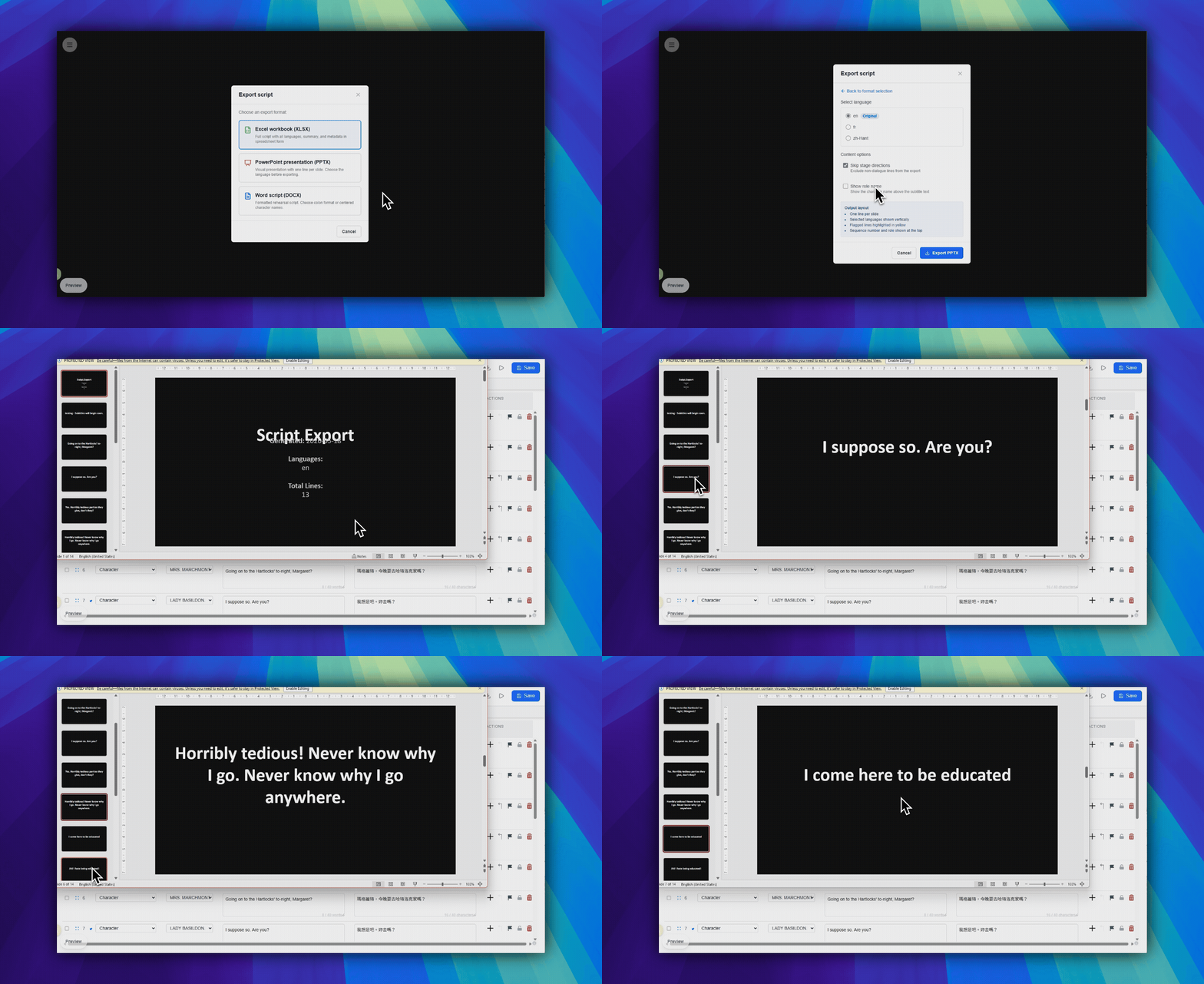
- PPTX:导出一个已选择的语言,并可选择是否跳过舞台说明、是否显示角色名称。
- DOCX:导出兼容 Word 的剧本文档,用于审阅、共享或归档。
- QLab 导入包:导出用于离线 QLab 文本 cue 的 QLab 5 导入包。
将导出用作备份
在排练或演出当天前,保留一份 XLSX、PPTX、DOCX 或 QLab 导入包快照。这是当前编辑器状态最安全的本地副本。
常见问题
基于当前 SurtitleLive 系统整理的此工作流程常见问题。
Why is export disabled for my account?+
Export can be disabled when you do not have owner or manager access. Free accounts can test export on the first 30 saved cues; Lite, Pro, and Pro+ can export the full script.
Which export format should I choose?+
Use XLSX for workbook review, PPTX for slide-style backup, DOCX for a Word-compatible script, and QLab import pack when the venue will run offline QLab Text cues.