
1.4 What to Do If Script Analysis Gets Stuck
Track analysis progress, recover from failed or stuck script analysis, and handle upload guidance safely.
🛠️ Quick Guide
Where: Project analysis processing screen
What it does: Polls the current analysis job and redirects automatically when it finishes
Error path: Shows a dedicated recovery card instead of leaving you on a broken loading state
Upload guidance: a PDF-specific source issue can direct you to upload a Word file
What the Processing Screen Is For
If script analysis feels stuck or fails, this is the page to watch first. It tracks the active job, shows progress, and sends you forward automatically on completion. PDF-specific failures can show upload guidance instead.
Normal Completion Flow
- Start analysis from your project workflow
- Stay on the processing page while the job runs
- Watch the progress overlay and analysis log preview
- When analysis finishes, Pockitle Cue redirects you automatically to the next destination
In normal use, you do not need to refresh this page manually.
When Analysis Fails or Needs Guidance
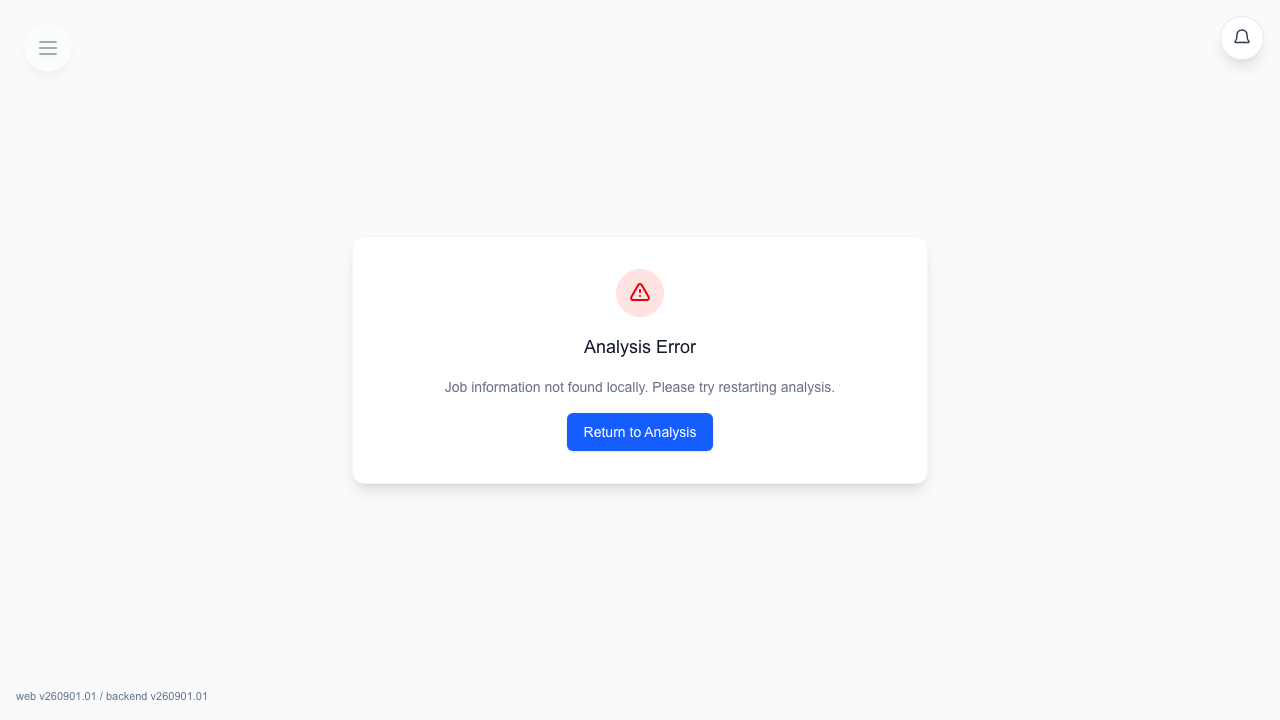
If the analysis job hits an error, the processing page switches to a recovery card instead of leaving you in a permanent loading state.
- General failures show an
Analysis Errorstate with a return button back to analysis - PDF-specific upload guidance shows
Return and upload Word; other errors useReturn to Analysis. - Review the error and return to analysis. Replace the source only when the guidance calls for it and you have saved any existing editor work.
Best Recovery Practice
Recommendation: If analysis repeatedly reports poor structure, switch to a cleaner Word .docx source before rerunning analysis.
- Return to the project's analysis page
- Check whether the source file format is likely to be the problem
- Upload a cleaner document or rerun analysis only when you are comfortable replacing the current structured result
FAQ
Common questions for this workflow, based on the current Pockitle Cue system.
What should I do if script analysis gets stuck or fails?+
Stay on the processing page first. If it switches to a recovery card, return to analysis, review the source file, and rerun with a cleaner .docx document if needed.
Why did analysis send me back to upload instead of finishing?+
The processing page can send you back when the .docx source cannot be parsed reliably enough for structured analysis. Upload a cleaner .docx source before rerunning analysis.
Deployment Workflow
Continue In This Workflow
Script preparation, translation workflow, live deployment, operator control, and runtime troubleshooting.
2.2 Opening the Script Editor
Open the Pockitle Cue script editor and learn its layout, toolbar, collaboration indicators, language controls, saving behavior, and read-only access.
2.3 Editing Lines & Roles
Edit rows, review line history, and refine individual translations with AI.
2.4 Adding & Managing Languages
Prepare up to 20 translated languages, then choose plan-limited live languages at finalization.